Design Your Own Nails
Nail Design Maker
Try our online 3D nail designer and create stunning nail art in seconds!
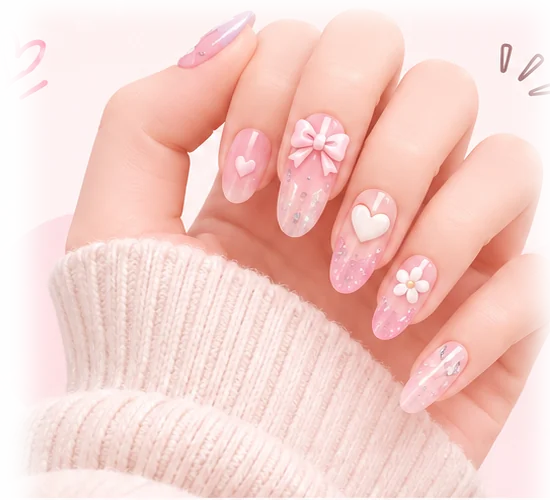

Popular Designs
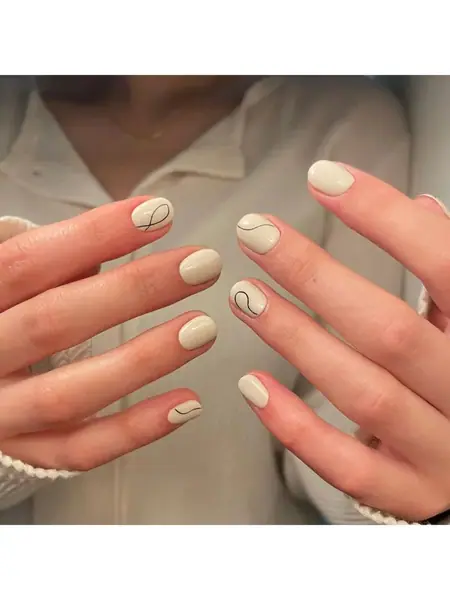
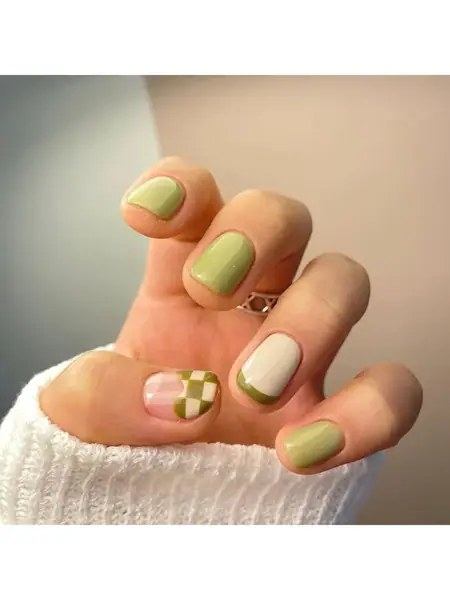
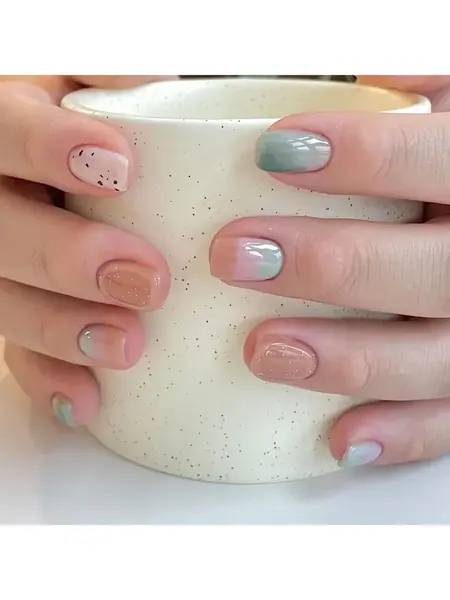
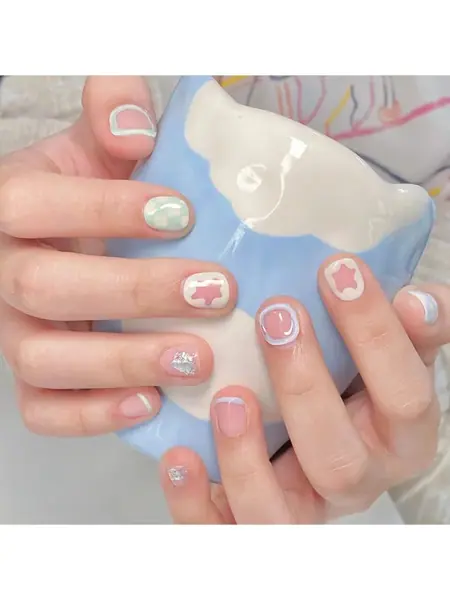
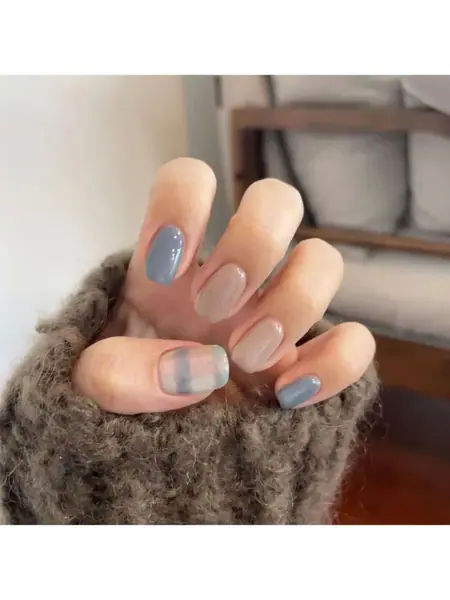
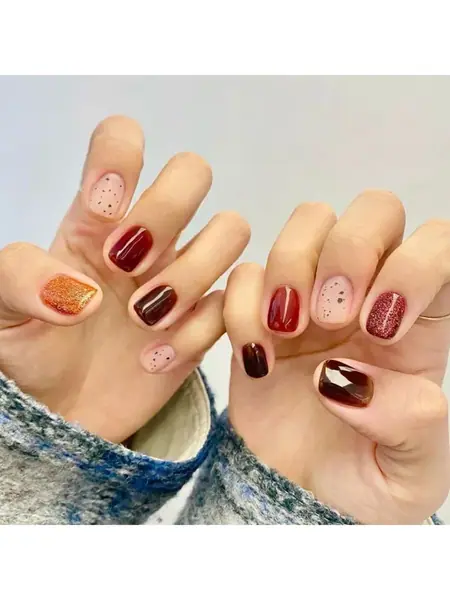
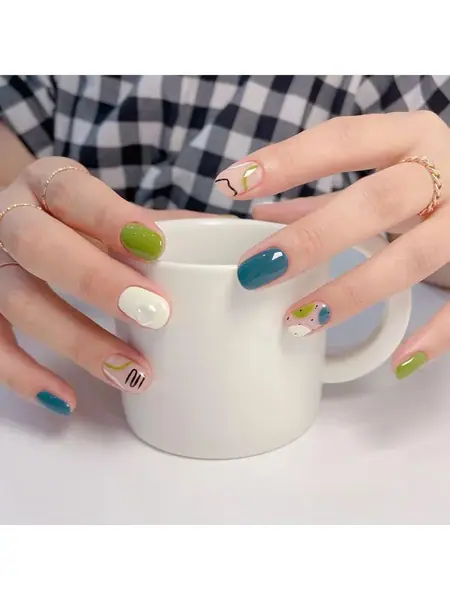
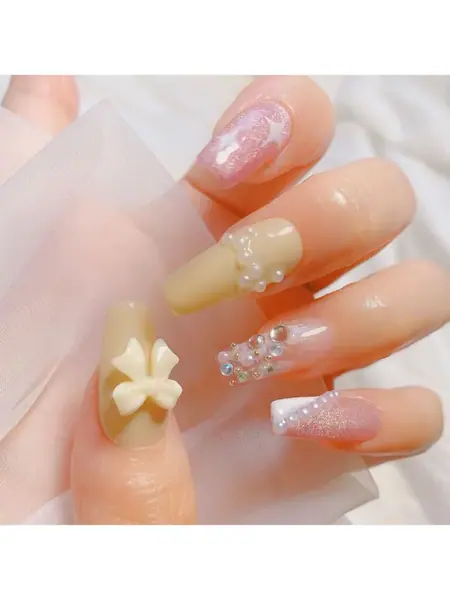
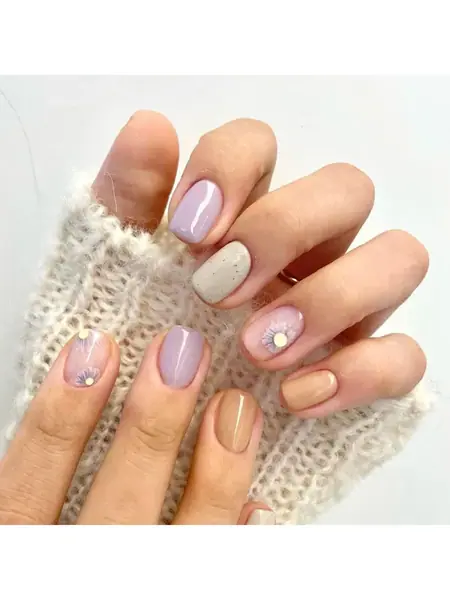
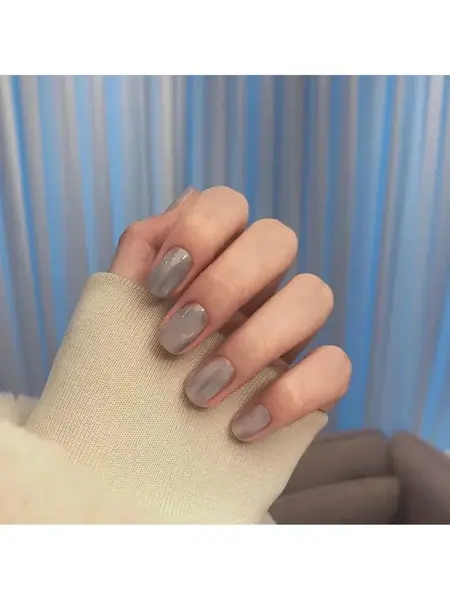
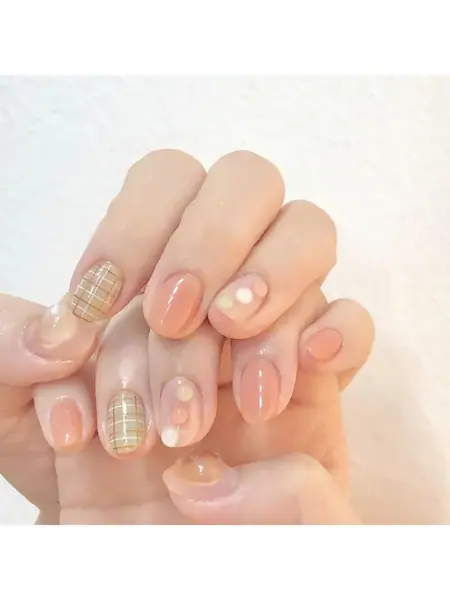
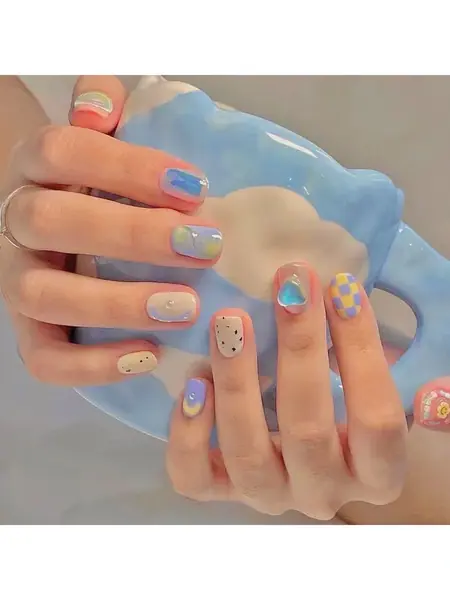
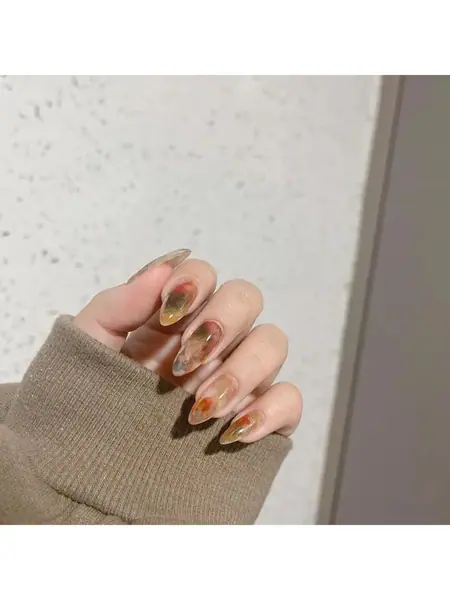
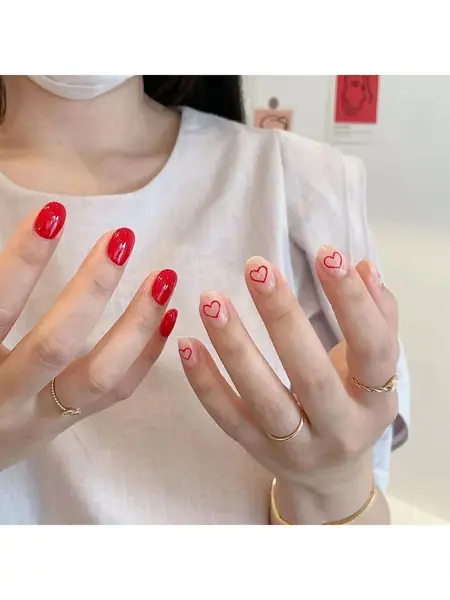
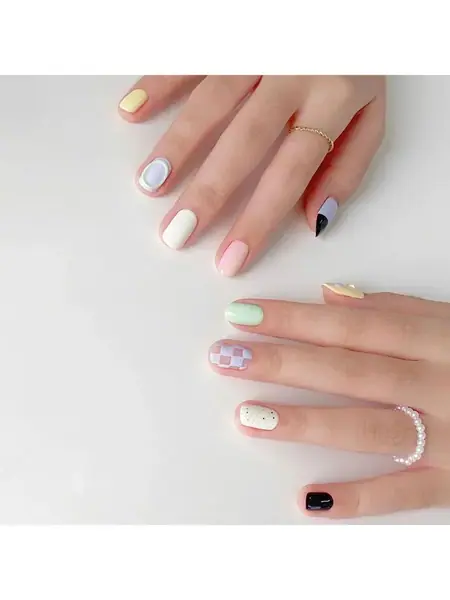

Design Your Own Nails in 3D
The nail design maker works like a real nail table: you start with a blank set and build the manicure one decision at a time. Everything renders live on a 3D hand, so what you see is what your nail artist will recreate.
- Pick your nail shape. Choose almond, squoval, coffin, stiletto or round, then drag the length slider from a short natural nail to long glam. You can shape all five nails at once or style one accent finger.
- Paint and decorate. Pick from 32 salon gel colors, switch between eight finishes like cat-eye, chrome and jelly, and finish with 3D charms — pearls, bows, cherries and more — placed right where you want them.
- Save it or take it to the salon. Save the look to your lookbook, copy a share link, or download a recipe poster with the exact color, finish and charm layout for every finger.
Ready to try? Open the nail design studio — the 3D hand loads wearing a starter look, and every tool is unlocked from the first tap.
Nail Maker: Try a Shape Before You Paint
A shape decides a manicure before color does. The same polish reads sweet and soft on a short round nail and sharp and editorial on a long stiletto. That is why this nail maker starts you on the shape: spin the 3D hand, compare almond against coffin, and watch how the smile line sits on each silhouette.
Length is a slider, not a commitment — pull it shorter to preview a realistic everyday set, then stretch it to see the drama. When you want to check how a shade survives your skin tone, the virtual nail try-on studio previews the finalists on five skin tones before you book.
Design Nails Online: From Blank Nail to Finished Set
Designing nails online should feel like flipping through a sample book, not configuring software. Here, a fresh set starts as five blank nails on a realistic hand. You tap a nail to select it, paint it, stamp a charm onto the surface, and the finished set comes together in front of you — no layers, no learning curve.
Because everything runs in the browser, there is nothing to install and nothing to update. If you have tried a nail design app before, this will feel faster: open a tab, tap a color, and the hand in front of you is already wearing it. Your work saves locally, and a share link carries the entire 3D set to a friend.
Nail Art Maker and Designer Tools for Every Level
If you are new to nail art, start from the lookbook: twelve finished designs — rose blush French, cherry syrup, mermaid chrome — each loadable with a single tap, then tweak the color until it is yours. If you already think like a nail art designer, the deep controls are here too: per-finger scope so your ring accent can differ from the set, secondary colors for patterns, and a charm scale fine enough to place a single 0.8x gem in the corner of one nail.
The nail art maker works like a free online nail art designer: every tool on this page is unlocked, with no account, watermark or paywall. And when you would rather start from a description instead of a blank nail, a text-to-design AI nail generator is planned next.
Colors, Charms and a Nail Customizer
The palette holds 32 salon gel shades, from sheer camellia white and ballet pink to cherry wine and Klein blue — every swatch is a real polish color, so what looks good here usually exists on a shelf. Eight physical finishes change how light lands on the nail: glossy gel mirror, magnetic cat-eye, glazed pearl, matte suede, sheer jelly, chrome, shimmer and velvet.
On top of the paint sit twelve patterns — French smile lines, aura ombre, tortoise shell, tweed — and fourteen 3D charms you can stamp anywhere on the nail plate. That combination is what makes this a real nail customizer: a blushed almond set with one gold camellia and a cherry-jelly stiletto set can come out of the same palette.
Nail Design Maker FAQ
Is this nail design maker free to use?
Yes. Every part of the nail design maker is free: the 3D designer, all polish colors and finishes, the charm library, saved looks and the share poster. There is no account and no watermark.
Do I need to download an app?
No. The tool runs in your browser, so you design nails online without installing anything. It works on phones, tablets and desktops.
Can I see a design on my own hand?
The studio shows designs on a realistic 3D hand so you can judge shape and color together. A dedicated virtual nail try-on page previews your finalists on five skin tones before you book.
Which nail shapes can I pick?
Five shapes: almond, squoval, coffin, stiletto and round. A length slider goes from short natural nails to long glam, and you can set the shape per finger or for the whole hand.
How do I save or share my design?
In the studio, tap Save & Share to store the look in your lookbook, copy a link that reopens the exact 3D set, or download a recipe poster with the five-nail polish formula to show your nail artist.
Does it work on my phone?
Yes. The designer is built touch-first: drag to spin the 3D hand, tap a nail to select it, and tap the nail surface again to place a charm.
Can I bring my design to a salon?
That is what it is for. Download the recipe poster — it lists the color hex, finish, pattern and charm placement per finger — and hand it to your nail artist instead of trying to describe the look.
Is this an AI nail generator?
A text-to-design AI nail generator is planned: describe a look in a sentence and get a starting concept to rebuild in the studio. For now, every tool on this site is a real-time 3D designer you control yourself.